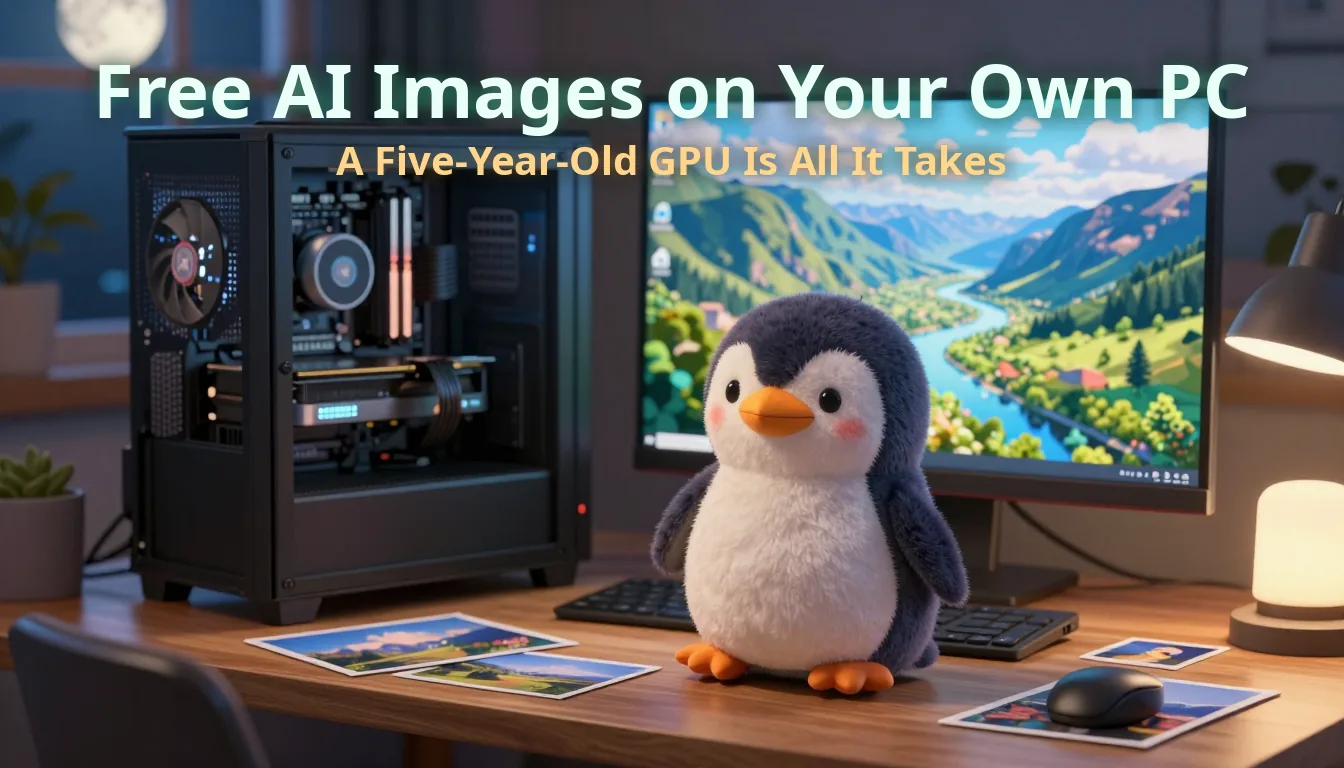
Free AI Images on Your Own PC: A Five-Year-Old GPU and 32 GB of RAM Is All It Takes
The hero image on my previous post cost me nothing — generated in 25 seconds on my own desktop by a model that lives on my hard drive, on a graphics card from 2021. Here is how easy local AI image generation has become, how good it is, and why the one model I cannot run is a story about the world's memory supply.
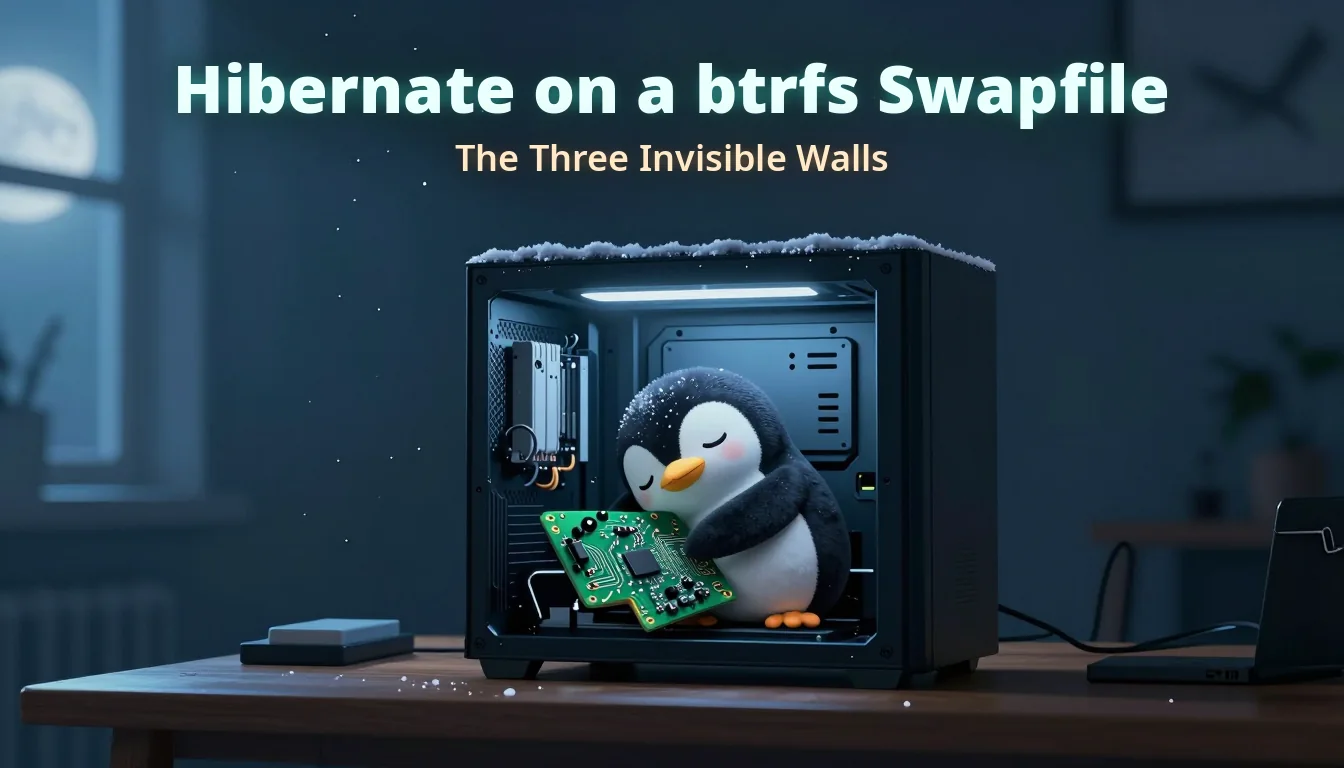
The hero image on my previous post — a sleeping penguin hugging a circuit board inside a snow-dusted PC case — cost me nothing. No Midjourney subscription, no ChatGPT credits, no cloud queue. It was generated in about 25 seconds on my own desktop, by a model that lives on my hard drive, on a graphics card that launched in 2021.
If you have — or can grab second-hand — one unremarkable five-year-old graphics card and 32 GB of RAM, you own an AI image studio. This post is about how easy it has become to switch it on, how good the results now are on that ordinary hardware — and, because honesty matters, where the ceiling is: the one model I can’t run, and how the world’s memory shortage is what’s holding the ladder.
What the subscriptions cost, and what local costs
The going rates for hosted image generation in 2026: Midjourney runs US$10 to $120 a month depending on tier, ChatGPT Plus is US$20 a month, and most of the newer image services cluster in the same range. Reasonable prices for what they do — but they’re rent. Stop paying and the studio door closes. Generate a lot and you hit the tier limits. And every prompt and every image passes through someone else’s servers.
The local alternative: the models are open-weights and free to download, the software is open source, and once everything is on disk an image costs you electricity. There are no generation limits, no queue behind other subscribers, and nothing leaves your machine — which matters to me specifically because I’m a photographer, and some of what goes through this pipeline is client and family work that has no business on anyone’s cloud. It also works on a plane, in a village with no signal, anywhere: no connection required after the initial downloads.
The hardware you actually need
Here’s the machine that made the penguin — deliberately unremarkable:
| Part | What I have |
|---|---|
| GPU | NVIDIA GeForce RTX 3060, 12 GB VRAM |
| CPU | Intel Core Ultra 5 245K |
| RAM | 32 GB DDR5 |
| OS | openSUSE Tumbleweed (Linux) |
That’s the whole recipe: one RTX 3060 12 GB and 32 GB of system RAM. The 3060 first hit retail in February 2021 — five and a half years ago — and sells second-hand today for less than a decent camera lens. It was never a flagship; it was the sensible mid-range card of its day, and its one accidental stroke of genius was shipping with 12 GB of VRAM when that was unusually generous. VRAM, not GPU speed, is what decides which models fit on the card — so this old mid-ranger runs everything in this post, at every timing quoted below. Pair it with 32 GB of RAM and you’re done: that exact combination is the machine that made the penguin.
Can you go smaller? The community says yes — there are reports of these models running on 8 GB cards using more aggressively quantised builds — but I haven’t tested below 12 GB, so the only setup I’ll personally vouch for is the one on this desk.
How easy it actually is
Honest answer: the first afternoon is fiddly, and everything after that is trivial.
The engine is ComfyUI — open source, free, and the de-facto standard for running image models locally. Setup is a git clone, a Python environment, and downloading the model files you want (from Hugging Face, also free). The interface is a node graph that looks intimidating in screenshots, but you never have to build one: every major model ships a ready-made workflow you drag into the window, type your prompt into, and run. That’s the whole loop:
- Install ComfyUI (once).
- Download a model file into its models folder (once per model).
- Load the model’s template workflow, type a prompt, press Run.
From there it’s a prompt box and a Run button, same as any paid service — except the queue is empty and the meter never runs. I drive mine through ComfyUI’s API from scripts, but that’s an optional power-user layer, not the entry fee.
How good is it, really?
This is the part that surprised me. The models below all run on the 3060, and every timing is a real measurement from this card:
| Model | What it’s for | Speed on a 3060 |
|---|---|---|
| Z-Image Turbo | Photoreal generation — the current champion | ~25 s at 1344×768 |
| FLUX.1-Krea-dev (GGUF Q5) | Flat editorial / illustration look | ~100 s |
| FLUX.1-dev (GGUF Q5) | Maximum-quality generation | a few minutes |
| FLUX.1-schnell (GGUF Q5) | Fast drafts, Apache-2.0 licensed | under a minute |
| SUPIR / Real-ESRGAN | Restoring and upscaling existing images | seconds to minutes |
The letters-and-numbers soup needs one paragraph: GGUF quantisation stores model weights at reduced precision — Q5 means roughly five bits per weight instead of sixteen. A model that could never fit in 12 GB of VRAM at full precision fits comfortably at Q5, and at blog-hero or print-preview sizes you will genuinely struggle to see what was lost. Quantisation is the reason ordinary cards get to play in this league at all.
The star is Z-Image Turbo — a compact 6-billion-parameter distilled model that on my card beats the much bigger FLUX.1-schnell on photorealistic detail while finishing a 1344×768 image in about 25 seconds. Twenty-five seconds changes how you work: iterating on prompts feels like adjusting sliders, because a bad idea costs a sip of tea. The penguin went through six variants in the time a single render takes on the big models. Quality-wise, put the output next to a mid-tier Midjourney render and the difference at these sizes is taste, not class.
Where the ceiling is: the FLUX.2 wall
Now the honest limit. In November 2025 Black Forest Labs released FLUX.2, the successor to the FLUX.1 family — genuinely state-of-the-art open-weights generation. Free to download, like the rest. I evaluated it for this machine, and the evaluation was short.
FLUX.2-dev is a 32-billion-parameter model. NVIDIA’s own launch post puts full-precision inference at around 90 GB of VRAM, and even ComfyUI’s low-VRAM mode still wants 64 GB. Those are datacentre numbers. The community’s usual rescue — quantise it, then stream the weights from system RAM to the GPU in pieces — technically works: people have run it on 8 GB of VRAM… at 285 to 490 seconds per image. And to run the sane quants comfortably, the consistent guidance is 64 GB of system RAM, because when a model can’t live in VRAM, your system memory becomes its home and the GPU just visits.
I have 32 GB. So FLUX.2 on this box isn’t impossible — it’s pointless: five-to-eight-minute iterations against 25-second ones, for a quality gap that at web sizes I’d have to squint to justify. The obvious fix is another 32 GB of RAM. Which, in 2026, is where this stops being a story about AI models.
The RAM shortage that built the wall
There is a global memory supply shortage running since 2025 — severe enough to have its own Wikipedia article. The AI datacentre build-out consumed the DRAM industry: Samsung, SK Hynix and Micron shifted fabrication capacity to high-bandwidth memory (HBM), the stacked DRAM that feeds AI accelerators, because AI customers pay contract prices consumer RAM can’t match. The wafer arithmetic is brutal — producing a bit of HBM eats roughly three times the wafer capacity of a bit of DDR5. Every HBM stack shipped to a datacentre is several ordinary DIMMs that never got made.
The fallout, in sequence: DRAM prices rose about 172% through 2025, and consumer DDR5 inflated up to another 110% in Q1 2026. HP reported memory hitting 35% of a PC’s entire bill of materials, up from the usual 15–18%. Micron shut down its Crucial consumer brand to feed wafers to datacentre customers; Valve delayed the Steam Machine; Apple raised device prices in June 2026; shops in Akihabara rationed RAM per customer. As for when it ends — Micron’s CEO says the crunch runs through 2027 with relief around 2028; SK Hynix’s chairman has floated 2030.
So the 64 GB that FLUX.2 politely requests is currently the worst-value upgrade in computing — the kit that was grocery money in early 2025 is used-GPU money now. There’s a loop worth staring at: the AI boom trained and freely released the models that make a home studio possible, and the same boom bought up the memory you’d need to run the biggest of them. The industry ate its own upgrade path.
The takeaway
None of that dims the headline. For the price of nothing — on a mid-range card from 2021 — you get 25-second photoreal images, unlimited generations, total privacy, and quality that holds its own against the subscriptions. Distillation keeps pushing that frontier downward onto hardware people already own: Z-Image Turbo beating a bigger model on quality and speed is the proof, and the penguin is its signature.
Don’t wait for the RAM market to recover, and don’t brute-force a 32-billion-parameter model through a memory bottleneck the world economy is fighting over. Download the model that fits the machine you have. The best model isn’t the biggest one you’ve read about — it’s the one that’s already rendering while the subscription page is still asking for your card number.